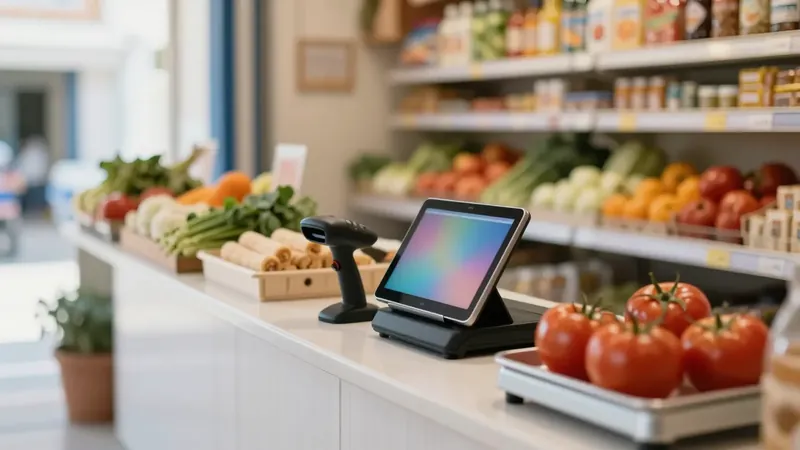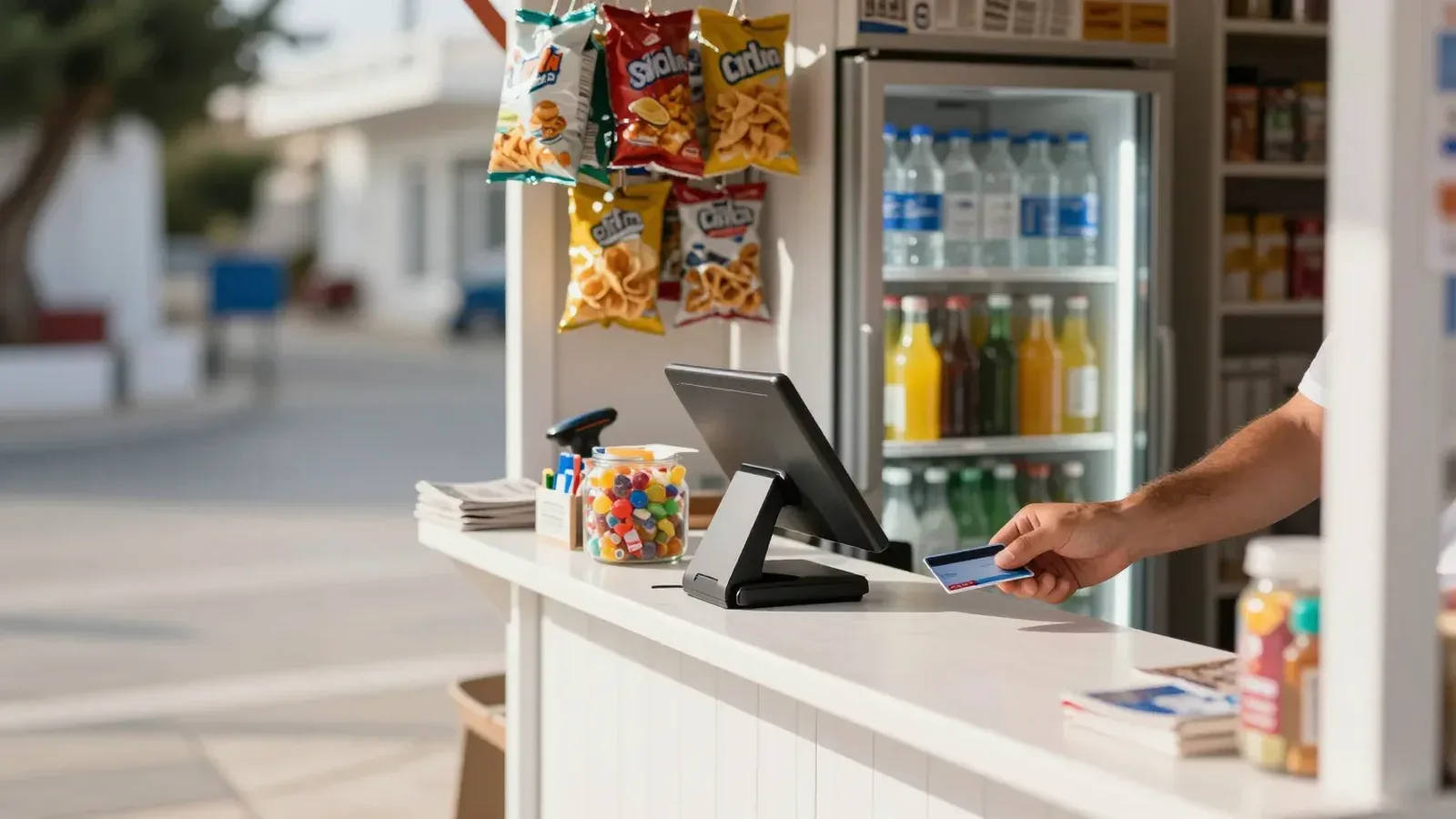
At a periptero the customer wants a pack of cigarettes and a water, and is gone. The till has to be faster than the hand holding out the coins. IKAROS POS opens on a tablet or PC and, when you choose «Periptero (newsstand)» as your business type, sets itself up for your counter: quick sale, barcodes, a catalogue instead of a "menu".
Start from a ready catalogue
No typing in hundreds of items one by one. Import a ready catalogue adds about 670 products from a real periptero, in 15 categories (cigarettes, rolling tobacco, heated tobacco, e-cigarettes, soft drinks, snacks and chocolate, beer, spirits and more), with prices and VAT. Pick the categories and change prices as with any product. See the periptero catalogue with barcodes.
The barcode comes with the first scan. The catalogue comes with names, categories and prices; only a few items (4) come with the maker's barcode, those we confirmed on Open Food Facts. The first time you scan an item, the till says it did not find it: tap Link to an existing item, type two letters of the name and pick it. The barcode is saved on the item, and from then on one scan finds it.
Or all at once, from the supplier's invoice. Wholesalers' invoices and price lists print each item's barcode. Take a photo of the invoice (or upload a PDF or Excel), the AI reads barcode, code, quantity and price, and you check one list: which items are updated and which are new. The real barcodes, the cost and the stock go in, without changing a barcode you already have. See import from an invoice.
Quick sale with barcodes
- Scan and they pay. The sale screen stays open: scan, tap Exact cash, Card or Cash… with the change, and the till is ready for the next customer. Quick sale.
- Many pieces at once. The same barcode again raises the quantity, and ×2, ×5, ×10 set the quantity of the item you just scanned in one tap (e.g. a case of 10 waters).
- Unknown barcode. If the item is already there (e.g. from the catalogue), Link to an existing item gives it the barcode. If it is new, New item with this barcode and Look up barcode brings the name and size from the free Open Food Facts database. No photos are added automatically: without your own photo, an item shows its category's icon and colour.
- Card without typing. The amount goes to the card terminal by itself (Viva, EveryPay, myPOS, Nexi, SumUp), with no typing. For the POS–terminal link AADE asks for (A.1155/2023), use a terminal through Wrapp, with Wrapp as your receipts provider.
- Customer display. A small tablet facing the customer shows what you scan, the total and the change, on every plan with a till. The customer display.
Tobacco and 18+
The catalogue's tobacco and nicotine products start on the till only: they don't show on the online menu, the QR menu or the self-order kiosk, and they have no photo, because the law restricts promoting them and selling them at a distance. They are marked 18+, like beer, spirits and wine, and the till asks «Is the customer 18+?» at the sale. 18+ items are left out of discounts and points by default, so the price stays fixed.
Stock that knows what is running out
Every sale lowers the stock. You see what is running out and what to reorder, keep suppliers and count stock from the tablet. Stock is included in the Retail package.
Receipts, internet and the day close
Receipts go to myDATA through a certified provider (Wrapp, Oxygen (beta) or iNVOICEsoft) and print with their MARK and QR code, with no cash register. If the internet drops, the till keeps going and sends the sales once the connection is back. The card terminal needs its own connection (most have a SIM card). At the day close (Z) you see cash, cards and sales per item.
What you need
A tablet or PC, a barcode scanner, a thermal receipt printer and, if you like, a cash drawer. See the equipment we recommend and the guide to a periptero till.
In more detail, in the guide: How to set up a periptero (newsstand) till: catalogue, barcodes, tobacco
Questions
Is there till software made for a periptero?
Yes. In IKAROS POS you choose «Periptero (newsstand)» as your business type: the till opens in quick sale with barcodes, talks about a catalogue instead of a menu, and offers you a ready periptero catalogue of about 670 products.
Do I have to enter all the periptero's products by hand?
No. The ready catalogue has about 670 products with prices and VAT. It has no ready barcodes or photos: barcodes go in with the first scan or from the supplier's invoice, and for anything missing «Look up barcode» brings the name and size from Open Food Facts.
Do a periptero's cigarettes show on the online menu or the self-order kiosk?
No. The catalogue's tobacco and nicotine products stay on the till only and have no photo. They are marked 18+ and the till asks about age at the sale.
Does the periptero till work with a barcode scanner?
Yes, with any USB or Bluetooth scanner that types like a keyboard. The same barcode again raises the quantity, and ×2, ×5, ×10 set the quantity of the item you just scanned in one tap.
Does a periptero need a cash register?
Not necessarily. Receipts are issued through a certified e-invoicing provider, with MARK and QR code, without a cash register.
How much does the periptero till software cost?
The Retail package costs €19 a month excluding VAT, with stock and points included, and the ready catalogue is not charged separately. A 14-day trial with no card and no commitment: at the end we ask whether you continue, otherwise you pay nothing. You pay the AADE receipts provider separately: with Wrapp, which we recommend, Lite €109 (up to 6,000 documents), Core €169 (6,001–18,000), Plus €239 (18,001–200,000), Max €549 (200,001–750,000) and Ultra €1,999 (750,001–4,000,000) a year, without VAT. And your hardware, if you do not have it yet.
Does the ready catalogue have barcodes?
No. The catalogue gives names, categories, prices and VAT. You add the barcode the first time you scan the item: the till asks, you tap "Link to an existing item", pick the item by name, and from then on one scan finds it.
How do I get the barcodes from my supplier's invoice?
In Products → Import products → "From invoice or price list (AI)". Take a photo of the wholesaler's invoice or price list, or upload a PDF or Excel. The AI reads each line's barcode, code, quantity, price and VAT, and before anything is saved you check which items are updated and which are new. It is the fastest way to real barcodes across the whole catalogue.
Can I sell mobile top-up cards, newspapers or tickets?
Yes, as items in your catalogue, with their price and the VAT rate your accountant tells you. The system does not connect to OPAP or to electronic airtime top-up systems: those keep working on their own terminals.
Does the tobacco price stay fixed?
Yes. The catalogue's tobacco starts outside discounts, offers and points, so it always sells at the price you set.